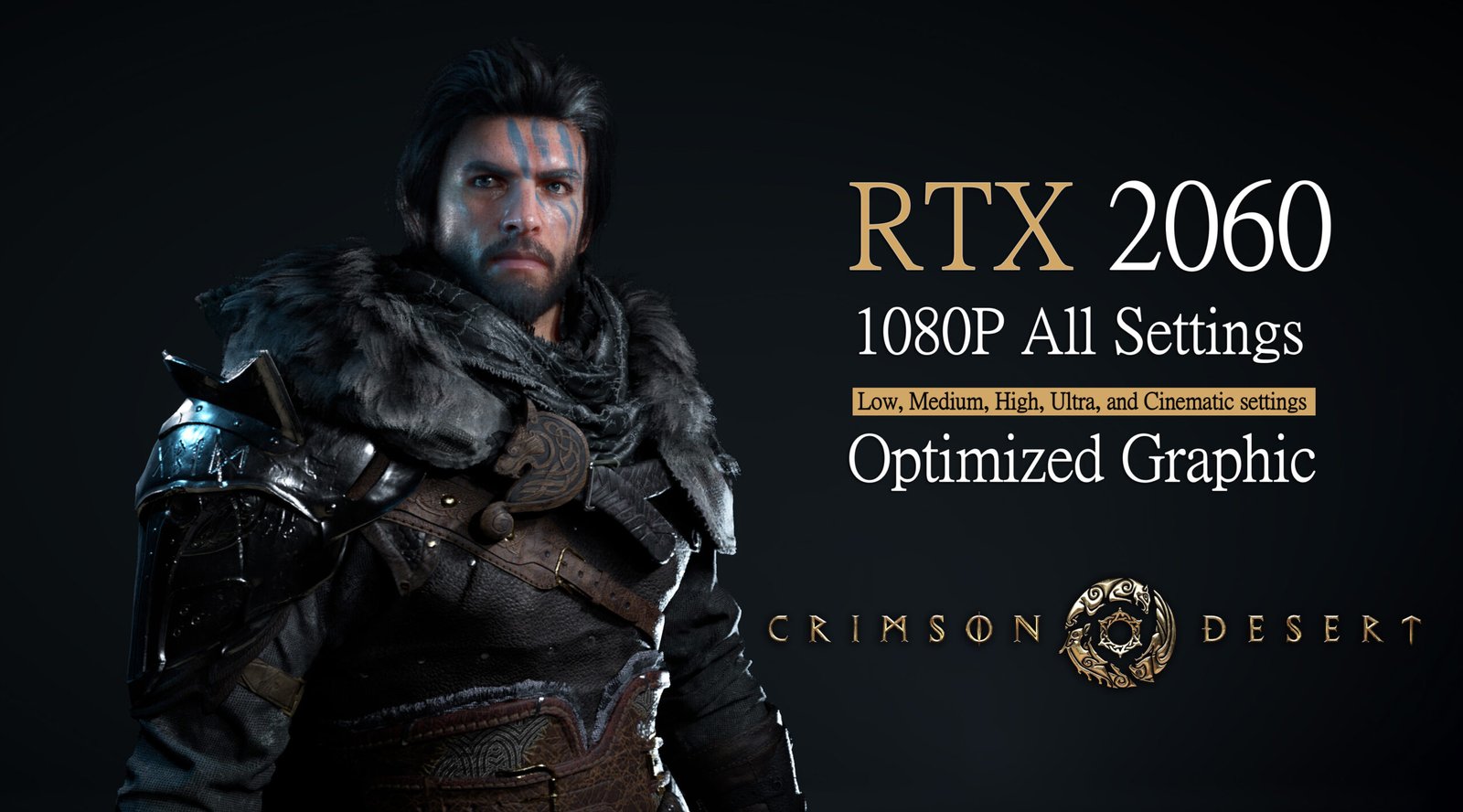
In this article, I tested Crimson Desert on the RTX 2060 at 1080p using all major graphics presets including Low, Medium, High, Ultra, and Cinematic settings. In addition to preset testing, I also explored optimized graphics settings to find the best balance between performance and visual quality. The goal was to see how performance changes across each preset, how smooth and stable the game feels, and how much modern upscaling features can help. This should give you a clear idea of what kind of experience you can expect if you are playing on a mid range GPU like the RTX 2060.
In This Article
ToggleIntroduction
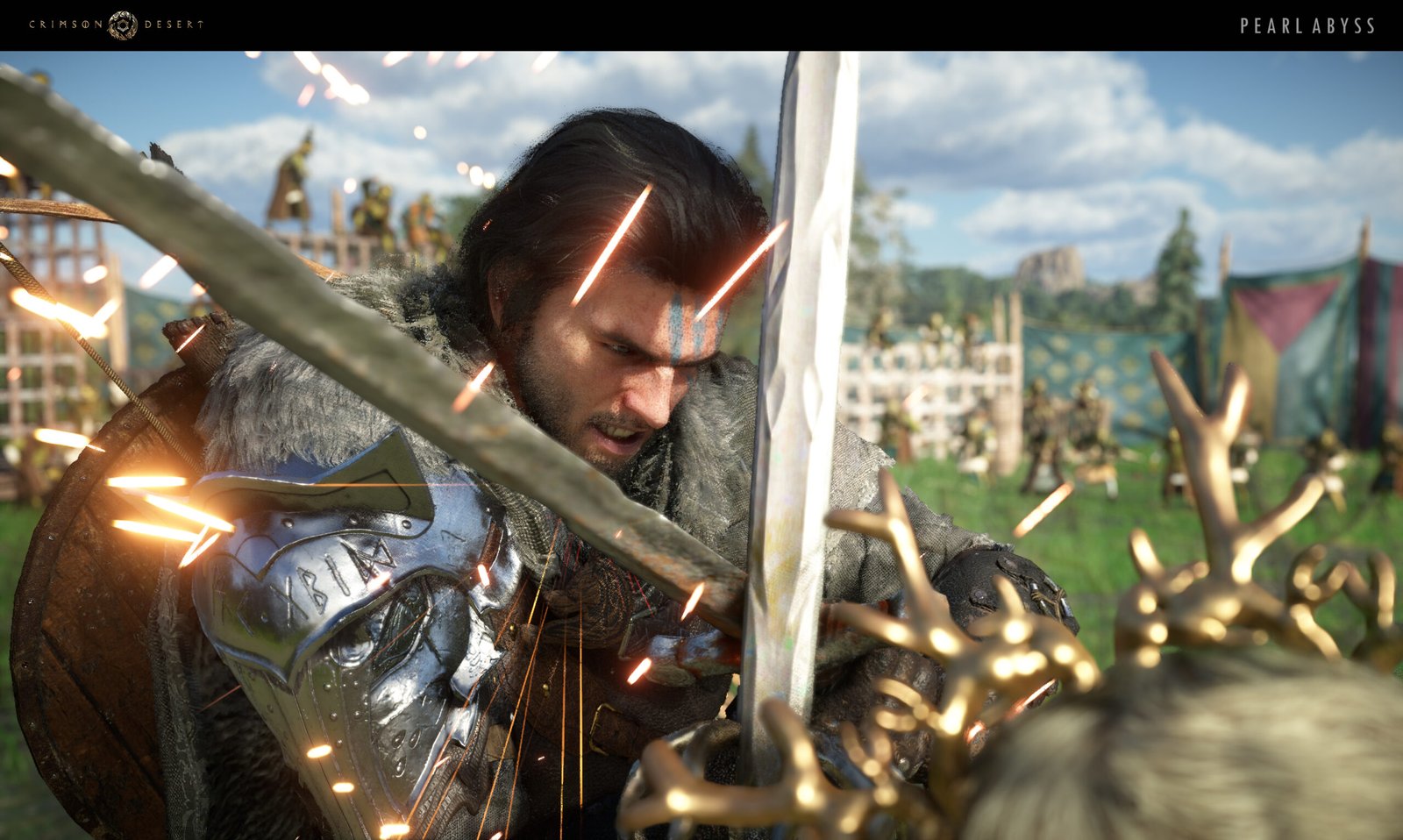
Crimson Desert is a large-scale open-world action-adventure game developed by Pearl Abyss, released on March 19, 2026. Set in a dark medieval fantasy world, the game puts players in the role of a battle-hardened mercenary named Kliff, leading a group called the Greymanes. Unlike the studio’s earlier MMO titles, this is a fully single-player experience focused on story, exploration, and dynamic combat.
From the moment you step into its world, the game emphasizes freedom and scale, blending cinematic storytelling with sandbox-style gameplay. Its mix of intense combat, rich side activities, and a massive seamless world makes it one of the most ambitious RPG-style experiences in recent years.
Platforms and Availability
The game is available on:
- PC (Windows, macOS)
- PlayStation 5
- Xbox Series X/S
It is designed as a single-player experience, with no multiplayer mode at launch.
World and Story
The game is set in the continent of Pywel, a vast and dangerous land shaped by war, ambition, and survival. Players take on the role of Kliff, a mercenary leader navigating through conflicts between rival factions, uncovering hidden powers, and facing powerful enemies. The story blends personal struggles with large-scale political intrigue, creating a world where every decision and alliance can impact the journey.
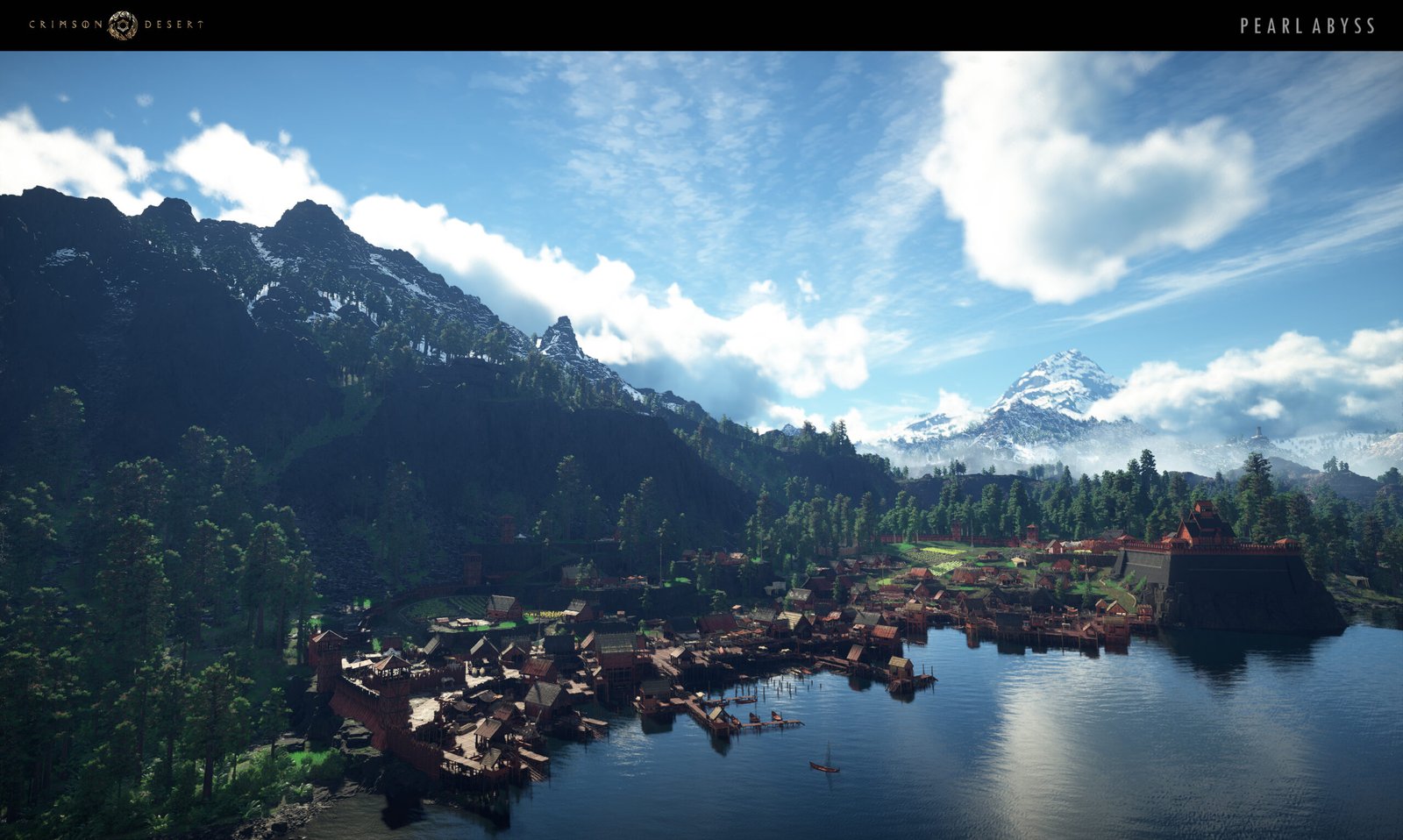
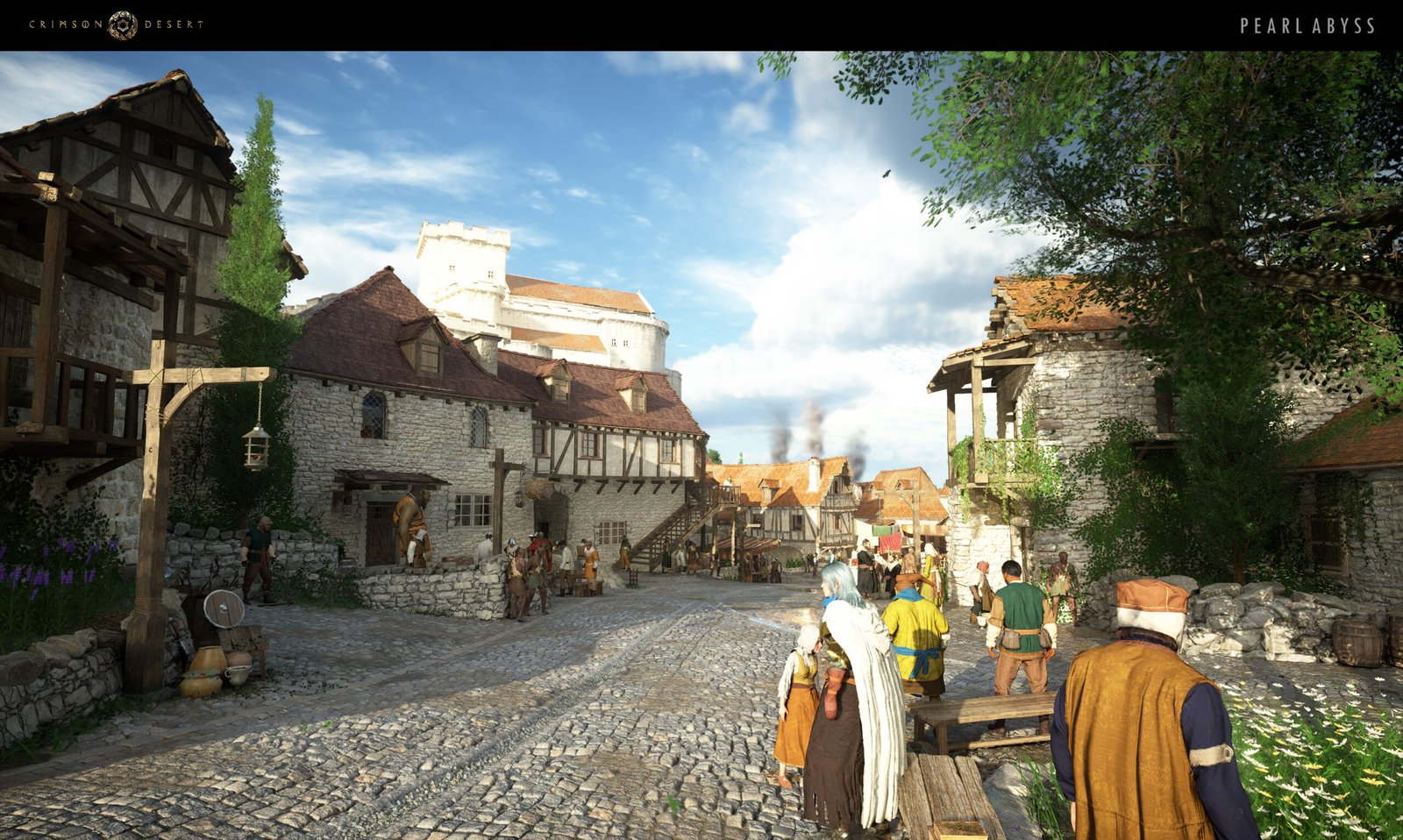
Image Source: Pearl Abyss
Gameplay and Features
Crimson Desert offers a mix of action combat, exploration, and RPG systems:
- Dynamic Combat: Fast-paced melee combat with combos, special abilities, and boss fights
- Open-World Exploration: Diverse environments including deserts, forests, mountains, and cities
- Activities and Systems: Crafting, fishing, mining, and side activities like mini-games
- Mounts and Movement: Ride horses or even fly on creatures like dragons
- Quests and Choices: Story missions, side quests, and exploration-driven discoveries
The game also includes a large knowledge system with hundreds of characters, regions, and creatures to discover, adding depth to exploration.
Graphics and Technology
Built using Pearl Abyss’s BlackSpace Engine, Crimson Desert features highly detailed environments, realistic lighting, and advanced physics systems. The game supports modern graphics technologies like ray tracing and upscaling for smoother performance on PC and consoles.
丨Crimson Desert Performance Test on RTX 2060
Before diving into the results, we’ve also covered detailed benchmarks and a full performance review of Resident Evil Requiem on the RTX 2060 in a separate article. For this test, we ran Crimson Desert on the RTX 2060 to see how well it performs across different graphics settings. All tests were done at 1080p, using presets from Low, Medium, High, Ultra, and Cinematic settings. For each preset, we also tried different configurations, including DLSS DLAA for near native quality, DLSS 4 Quality upscaling, and FSR 3.1 Quality with Frame Generation. Since the game does not allow FSR Frame Generation to work with DLSS, all FG testing was done using FSR upscaling only. This gives a more realistic idea of how AMD’s frame generation performs during actual gameplay. Ray Tracing was enabled from Medium up to Cinematic settings, and surprisingly, it did not have a major impact on performance on the RTX 2060. This means higher settings are more playable than you might expect on this GPU. Overall, these results should help RTX 2060 users find the right balance between visuals and smooth performance in Crimson Desert. For a complete breakdown and real-time performance analysis, you can also check out the full benchmark video on our YouTube Channel.
丨DLSS DLAA Image Quality
The game currently suffers from significant ghosting problems, which are primarily rooted in its subpar anti-aliasing implementation. Even when using advanced technologies like DLSS or DLAA, the visual clarity often falters, particularly during fast-moving sequences where motion blur and object transitions exacerbate the effect. Attempting to mitigate the issue by reducing graphics settings proves largely ineffective, as it can actually make the ghosting more prominent, highlighting trailing images and smearing across edges. As a result, players may notice a persistent blur or double image effect that undermines the overall visual fidelity, making fast-paced combat or high-speed exploration feel less sharp and immersive.
丨Testing System
Our test platform consisted of a GIGABYTE Z790 Gaming X AX DDR5 motherboard, paired with an Intel Core i5-12400F processor and 32GB of G.SKILL Trident Z5 DDR5 6000MHz memory configured as 2x16GB. Storage was handled by a XPG GAMMIX S70 Blade 1TB Gen4, and power was supplied by a Deepcool PQ 850W.
Component |
Model / Specification |
|---|---|
CPU
| |
Motherboard
| |
RAM
| |
Power Supply
| |
Storage
| |
Operating System
|
Window 11 (25H2 Version)
|
Benchmark Performance Summary
GPU Model |
Graphic Settings |
Avg FPS |
1% Low |
|---|---|---|---|
RTX 2060 (6GB)
|
1080P - Cinamatic GRAPHICS - DLSS 4 DLAA
|
32 FPS
|
26 FPS
|
RTX 2060 (6GB)
|
1080P - Cinamatic GRAPHICS - DLSS 4 Quality
|
39 FPS
|
32 FPS
|
RTX 2060 (6GB)
|
1080P - Cinamatic GRAPHICS - FSR 3.1 Quality + FG
|
68 FPS
|
55 FPS
|
RTX 2060 (6GB)
|
1080P - Ultra GRAPHICS - DLSS 4 DLAA
|
34 FPS
|
27 FPS
|
RTX 2060 (6GB)
|
1080P - Ultra GRAPHICS - DLSS 4 Quality
|
43 FPS
|
34 FPS
|
RTX 2060 (6GB)
|
1080P - Ultra GRAPHICS - FSR 3.1 Quality + FG
|
72 FPS
|
57 FPS
|
RTX 2060 (6GB)
|
1080P - High GRAPHICS - DLSS 4 DLAA
|
36 FPS
|
29 FPS
|
RTX 2060 (6GB)
|
1080P - High GRAPHICS - DLSS 4 Quality
|
46 FPS
|
36 FPS
|
RTX 2060 (6GB)
|
1080P - High GRAPHICS - FSR 3.1 Quality + FG
|
80 FPS
|
64 FPS
|
RTX 2060 (6GB)
|
1080P - Medium GRAPHICS - DLSS 4 DLAA
|
40 FPS
|
34 FPS
|
RTX 2060 (6GB)
|
1080P - Medium GRAPHICS - DLSS 4 Quality
|
48 FPS
|
37 FPS
|
RTX 2060 (6GB)
|
1080P - Medium GRAPHICS - FSR 3.1 Quality + FG
|
80 FPS
|
66 FPS
|
RTX 2060 (6GB)
|
1080P - Low GRAPHICS - DLSS 4 DLAA
|
49 FPS
|
40 FPS
|
RTX 2060 (6GB)
|
1080P - Low GRAPHICS - DLSS 4 Quality
|
61 FPS
|
48 FPS
|
RTX 2060 (6GB)
|
1080P - Low GRAPHICS - FSR 3.1 Quality + FG
|
99 FPS
|
77 FPS
|
丨Crimson Desert Optimized Graphics Settings Test
We tested Crimson Desert on the RTX 2060 to see how it performs across different settings at 1080p. Along the way, we tried DLSS 4.0 DLAA, DLSS 4.5 Performance mode, and FSR 3.1.5 Native AA with FSR 3.1.6 Frame Generation to get a clear idea of both FPS and image quality. Each setting was tested in real gameplay scenarios to check how smooth the experience feels and how clean the visuals look. From what we found, the game is definitely playable on the RTX 2060, with performance sitting around 30 to 40 FPS when using optimized settings, which is quite reasonable for a demanding title like this. You can also check out the full benchmark video on our YouTube Channel for a closer look at the results.
丨DLSS DLAA Image Quality & Stability Analysis
As I mentioned earlier, the game has pretty noticeable ghosting issues, mostly because its anti-aliasing isn’t doing a great job. Even with DLSS or DLAA, fast scenes can look blurry, and lowering graphics settings often makes it worse, with trailing images and a faint double effect reducing overall visual clarity. Because of this, I focused on finding the right balance between visual clarity and overall image stability, rather than simply chasing higher FPS. This approach ensured that the game remained visually coherent during intense sequences, keeping gameplay smooth and readable while minimizing distracting blur and double-image effects that can break immersion.
丨Testing System
The testing system used for this benchmark was consistent with the configuration mentioned earlier. It features a GIGABYTE Z790 Gaming X AX DDR5 motherboard paired with an Intel Core i5-12400F processor and 32GB of G.SKILL Trident Z5 DDR5 6000MHz memory (2x16GB). Storage was provided by a 1TB XPG GAMMIX S70 Blade Gen4 SSD, while power delivery was ensured by a Deepcool PQ 850W PSU.
Benchmark Performance Summary
GPU Model |
Graphic Settings |
Avg FPS |
1% Low |
|---|---|---|---|
RTX 2060 (6GB)
|
1080P - Optimized GRAPHICS - DLSS 4.0 DLAA
|
37 FPS
|
30 FPS
|
RTX 2060 (6GB)
|
1080P - Optimized GRAPHICS - DLSS 4.5 Performance
|
44 FPS
|
35 FPS
|
RTX 2060 (6GB)
|
1080P - Optimized GRAPHICS - FSR 3.1.5 Native AA + FSR 3.1.6 FG
|
64 FPS
|
54 FPS
|
✦ RTX 2060 Performance Overview
We tested Crimson Desert on the RTX 2060 at 1080p and adjusted graphics settings like textures, shadows, and anti-aliasing to ensure the best balance between visuals and performance. We have tried to ensure that the best option is chosen to play the game, so players can enjoy smooth gameplay even in fast-paced, action-heavy moments. The card delivers consistent performance on a mid-range setup, allowing users to tailor the experience to their preferences without major compromises.

Afaq is the author and driving force behind GAMING BENCH, a technology and gaming focused platform dedicated to delivering accurate, insightful, and up to date coverage of the gaming world. With a strong interest in PC hardware, gaming performance, and industry trends, Afaq focuses on creating clear, well researched content that helps readers understand the latest gaming news, benchmarks, and technology developments. Through GAMING BENCH, the goal is to provide reliable information, honest analysis, and practical insights for gamers, tech enthusiasts, and professionals who want to stay informed in a fast moving digital landscape.