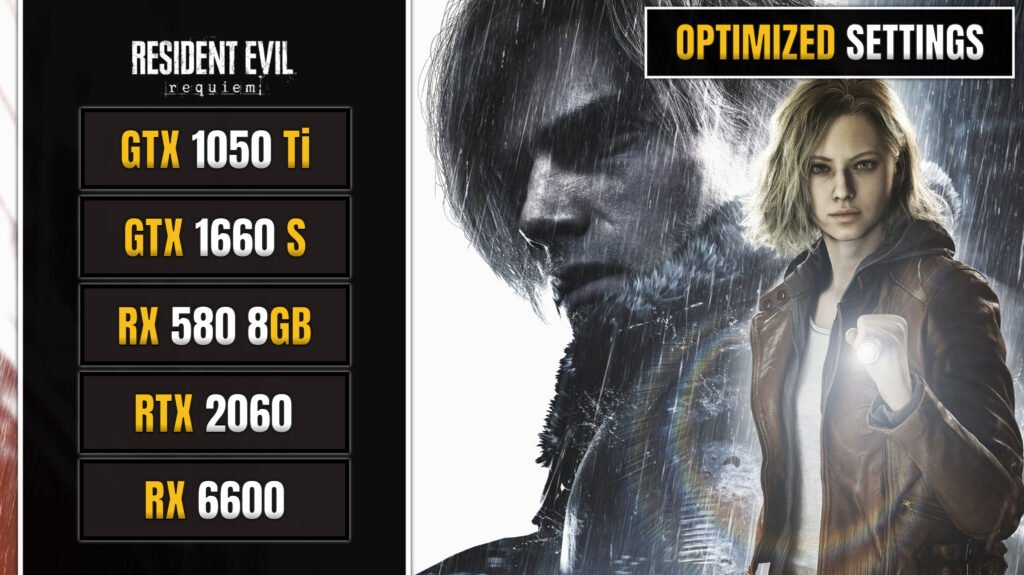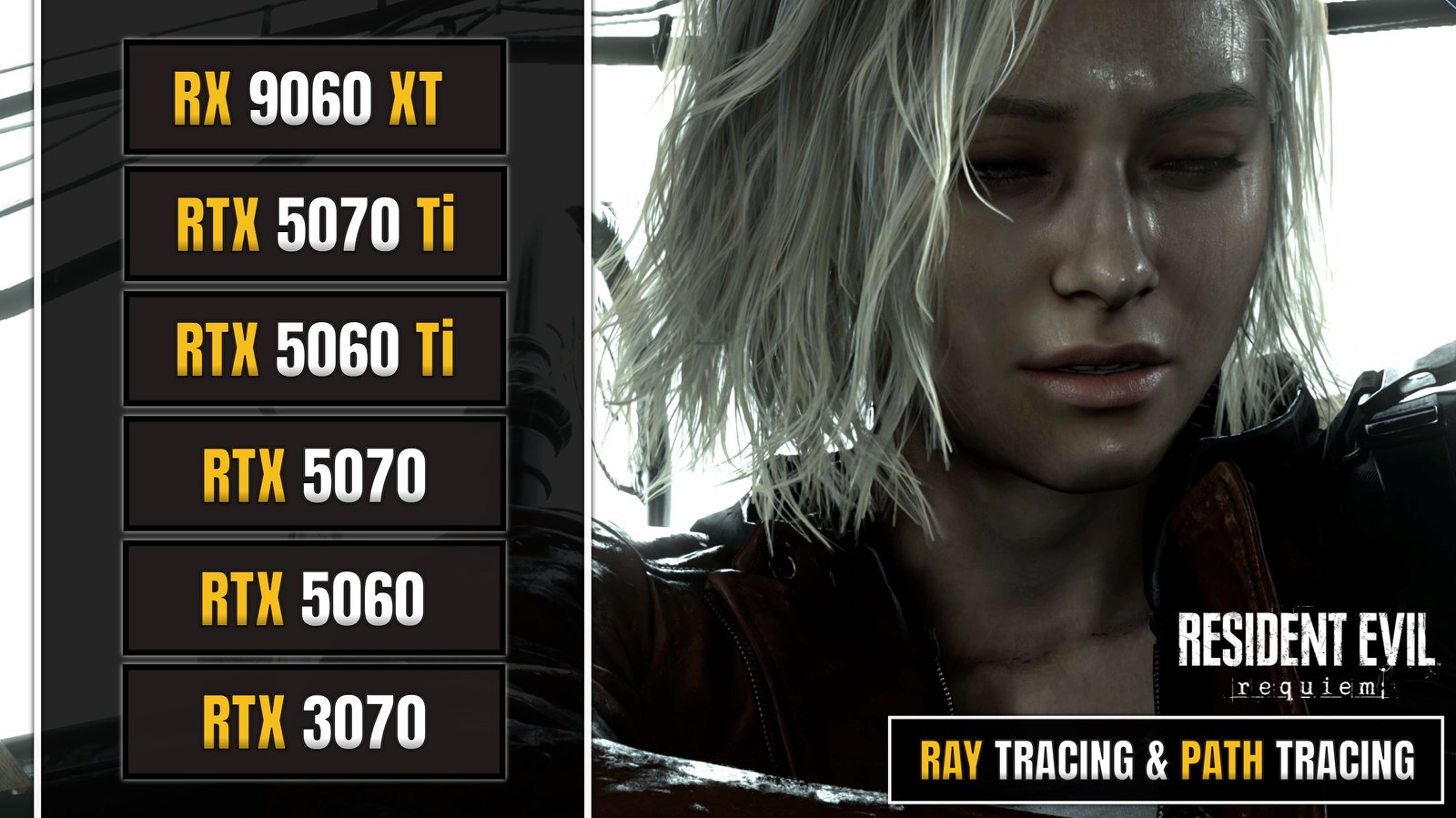
In our previous testing, we analyzed the benchmarks of five graphics cards, GTX 1050 Ti, RX 580, GTX 1660 Super, RTX 2060, and RX 6600 across multiple presets. In addition, We also published a full, detailed benchmark specifically for the RTX 2060. In this article, we take an in depth look at Resident Evil Requiem’s PC performance, testing six modern graphics cards, NVIDIA GeForce RTX 5060, RTX 3070, RTX 5060 Ti, RTX 5070, and RTX 5070 Ti, AMD Radeon RX 9060 XT under a variety of settings to show how each GPU handles demanding visuals at 1080p and 1440p. We explore max graphics, ray tracing, path tracing, and advanced upscaling technologies like DLSS 4 multi frame generation (MFG) and FSR 4 with frame generation (FG), providing clear Benchmarks with average FPS and frame time stability. Alongside individual benchmarks, we also highlight direct comparisons between, RTX 3070, RTX 5060, RTX 5060 Ti, to help readers understand which GPUs deliver the best performance for different resolutions and graphical features.
In This Article
ToggleIntroduction
Resident Evil Requiem is the ninth mainline entry in the long running survival horror franchise developed and published by Capcom, and it represents a significant chapter in the evolution of the series. Built using Capcom’s advanced RE Engine, the game delivers highly detailed environments, realistic character models, and atmospheric lighting that strengthens its tense and immersive horror experience. As part of the franchise’s 30th anniversary celebration, Resident Evil Requiem launched worldwide on February 27, 2026, with Capcom confirming the date well in advance and supporting it through global promotional campaigns, gameplay showcases, and digital pre loads that allowed players to access the game immediately at release. The title launched simultaneously across PlayStation 5, Xbox Series X and Series S, and PC via Steam, taking full advantage of modern hardware with faster load times, enhanced textures, ray tracing features, and expanded graphical customization options on PC.


Image Source: Resident Evil (Grace Ashcro & Leon S. Kennedy)
Story, Setting, and Gameplay Overview
The story of Resident Evil Requiem explores the aftermath of previous biohazard incidents while introducing a new outbreak connected to a secretive organization experimenting with advanced bio organic weapons. The narrative blends psychological horror with emotional character driven moments, gradually revealing deeper conspiracies tied to the wider Resident Evil universe. Players explore a variety of haunting settings including abandoned research facilities, decaying urban areas, and isolated locations that amplify the sense of isolation and dread. Gameplay focuses on classic survival horror principles such as limited ammunition, careful resource management, and environmental puzzle solving, while also refining modern combat mechanics with smoother gunplay and more reactive enemy AI. Stealth elements play a larger role, as enemies can respond to sound and movement, encouraging strategic approaches rather than constant action. Weapon upgrades, crafting systems, and progression mechanics allow players to adapt their playstyle, whether they prefer cautious exploration or more direct confrontation. Overall, Resident Evil Requiem balances nostalgic survival horror tension with contemporary design and cinematic presentation, delivering a memorable experience that honors the series legacy while pushing it forward for a new generation of players.

Resident Evil Requiem Performance Benchmarks
丨6 GPUs Benchmarks
We tested Resident Evil Requiem on six different graphics cards, including the NVIDIA GeForce RTX 5060, RTX 3070, RTX 5060 Ti, RTX 5070, RTX 5070 Ti, AMD Radeon RX 9060 XT to evaluate how each GPU handles the game at 1080p and 1440p resolutions under demanding graphical conditions. All cards were tested using the MAX graphics preset to push visual fidelity to its limits, while two selected GPUs were additionally tested with optimized settings to demonstrate how performance can be balanced without sacrificing too much visual quality. To further stress the hardware and showcase the game’s next generation visual features, we enabled Ray Tracing on High as well as full Path Tracing where supported, highlighting the true graphical load these advanced lighting techniques introduce. On compatible NVIDIA GPUs, DLSS 4 upscaling and Multi Frame Generation, MFG, were also enabled to measure how effectively these technologies enhance frame rates in intensive scenarios. This comprehensive approach provides a clear picture of real world performance across different performance tiers and graphical configurations. The full benchmark is available to watch on our YouTube Channel, where you can see real time gameplay results and detailed comparisons.
丨Testing System
Our test platform was built to deliver high performance and stability for benchmarking, featuring an ASRock X670E PG Lightning motherboard paired with an AMD Ryzen 7 7800X3D boost clock to 5GHz. The system was equipped with 32GB of high speed DDR5 memory (2×16GB) running at 6200MHz from Corsair, ensuring smooth multitasking and minimal memory bottlenecks. Storage was handled by an XPG GAMMIX S70 Blade 1TB. Power delivery was supplied by an XPG Core Reactor II 1200W, guaranteeing consistent voltage and reliability even under heavy gaming and benchmarking loads. This configuration allowed us to focus on GPU performance without being limited by other system components.
Component |
Model / Specification |
|---|---|
CPU
|
AMD Ryzen 7 7800x3D @5GHz
|
Motherboard
|
Asrock x670E PG Lightning
|
RAM
|
Cosair (2x16GB) 6200MHz DDR5
|
Power Supply
|
XPG Core Reactor II 1200w 80+ Gold
|
Storage
|
M.2 SSD: XPG 1TB GAMMIX S70 Blade Gen4
|
Operating System
|
Windows 11 – Version 25H2
|
Benchmark Performance Summary
GPU Model |
Graphic Settings |
AVG FPS |
1% Low |
|---|---|---|---|
RTX 5070 (12GB)
|
1440P - Max Graphics - DLSS 4 DLAA
|
98 FPS
|
75 FPS
|
RTX 5070 (12GB)
|
1440P - Max Graphics - RT Path Tracing - DLSS 4 Quality + MFG x4
|
144 FPS
|
34 FPS
|
RX 9060 XT (16GB)
|
1440P - Max Graphics - RT High - FSR 4 Quality + FG
|
159 FPS
|
113 FPS
|
RTX 5060 Ti (16GB)
|
1440P - Max Graphics - DLSS 4 Quality
|
97 FPS
|
72 FPS
|
RTX 5060 Ti (16GB)
|
1440P - Max Graphics - RT High - DLSS 4 Quality + MFG x4
|
214 FPS
|
50 FPS
|
RTX 5070 Ti (16GB)
|
1440P - Max Graphics - RT High - DLSS 4 Quality
|
151 FPS
|
104 FPS
|
RTX 5070 Ti (16GB)
|
1440P - Max Graphics - RT Path Tracing - DLSS 4 Quality + MFG x4
|
181 FPS
|
43 FPS
|
RTX 3070 (8GB)
|
1080P - Optimized Graphics - DLSS 4 DLAA
|
93 FPS
|
74 FPS
|
RTX 5060 (8GB)
|
1080P - Optimized Graphics - DLSS 4 DLAA
|
94 FPS
|
73 FPS
|
RTX 5060 (8GB)
|
1080P - Optimized Graphics - RT Medium - DLSS 4 Quality + FG x2
|
161 FPS
|
71 FPS
|
丨RTX 3070 (8GB) vs RTX 5060 (8GB) vs RTX 5060 Ti (16GB) Comparison
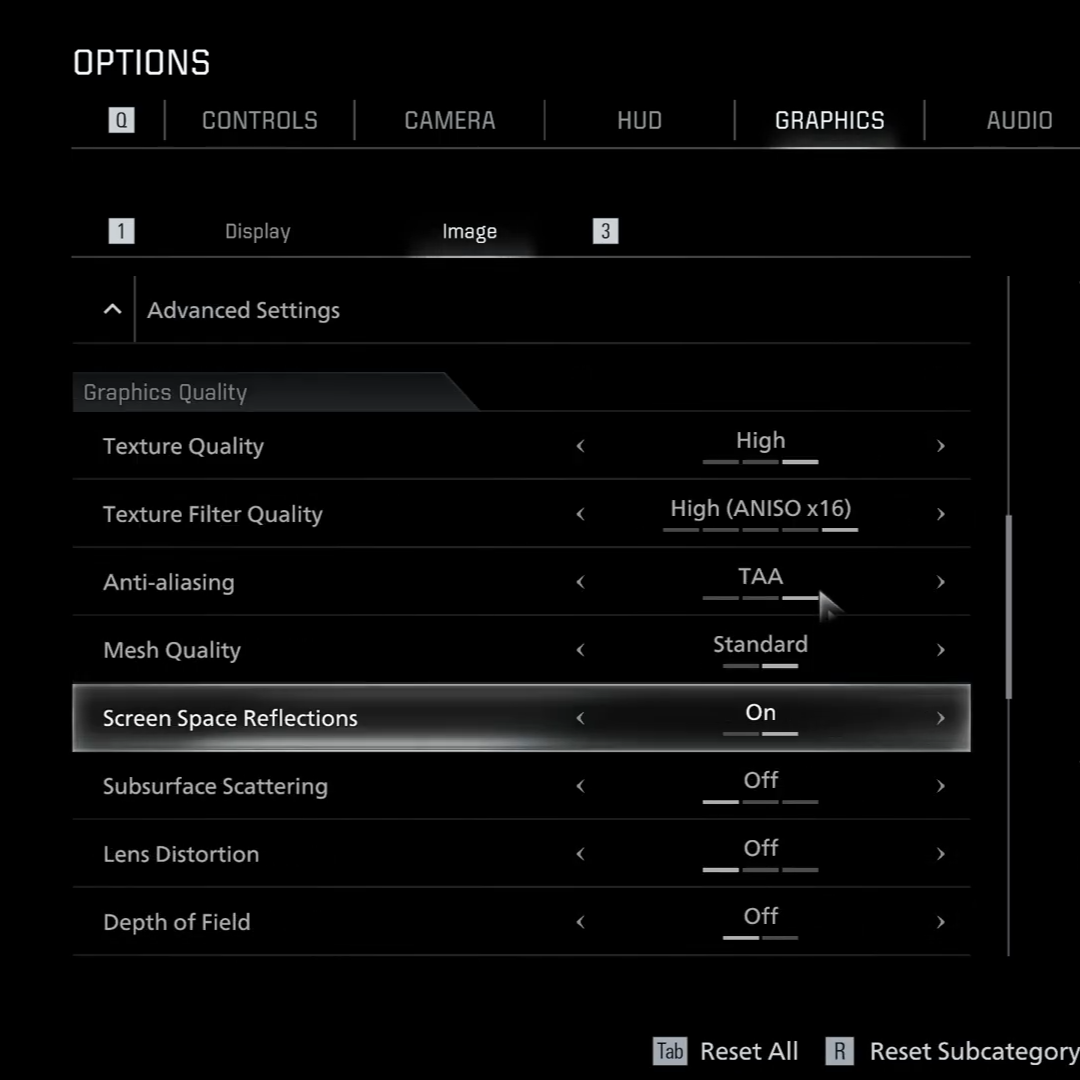
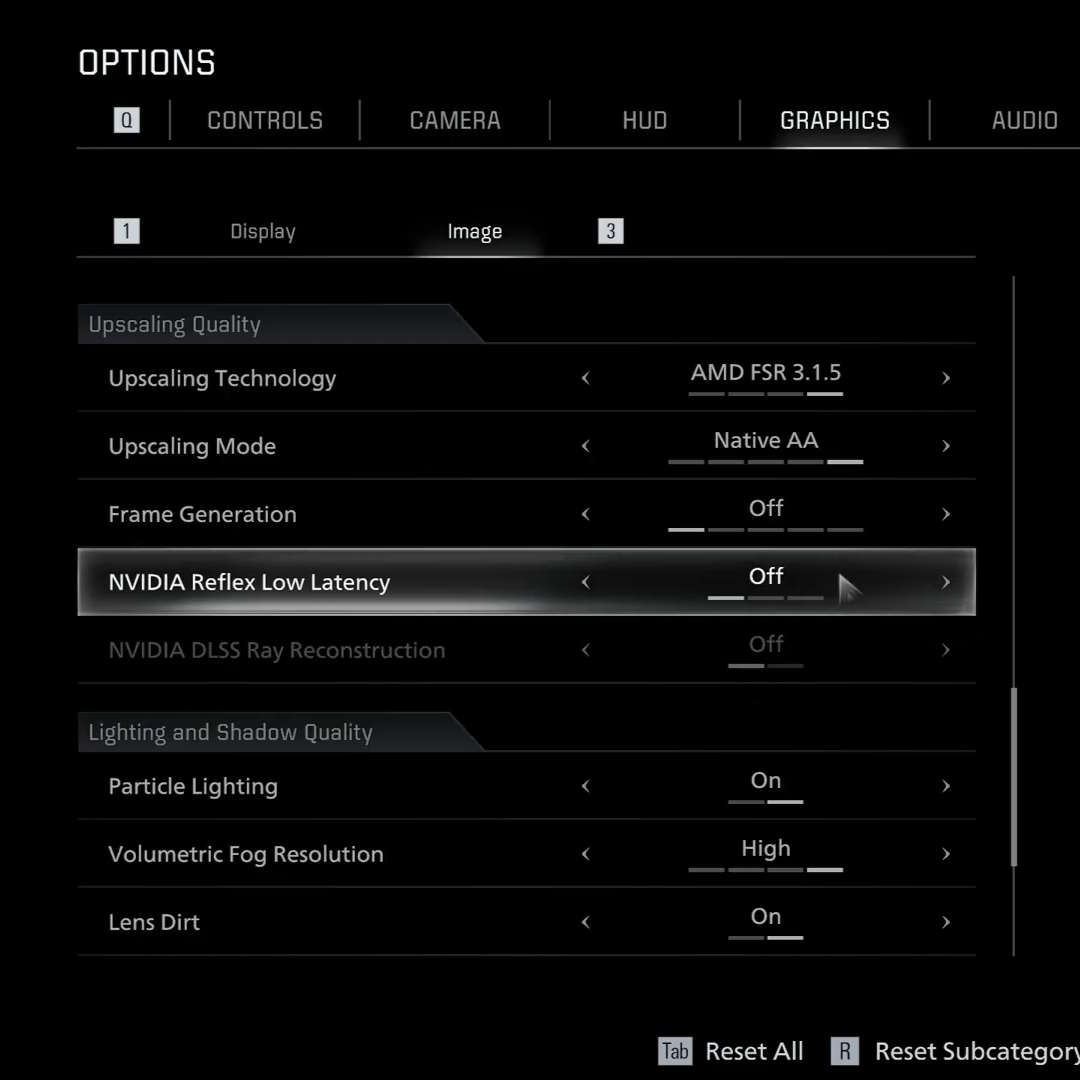
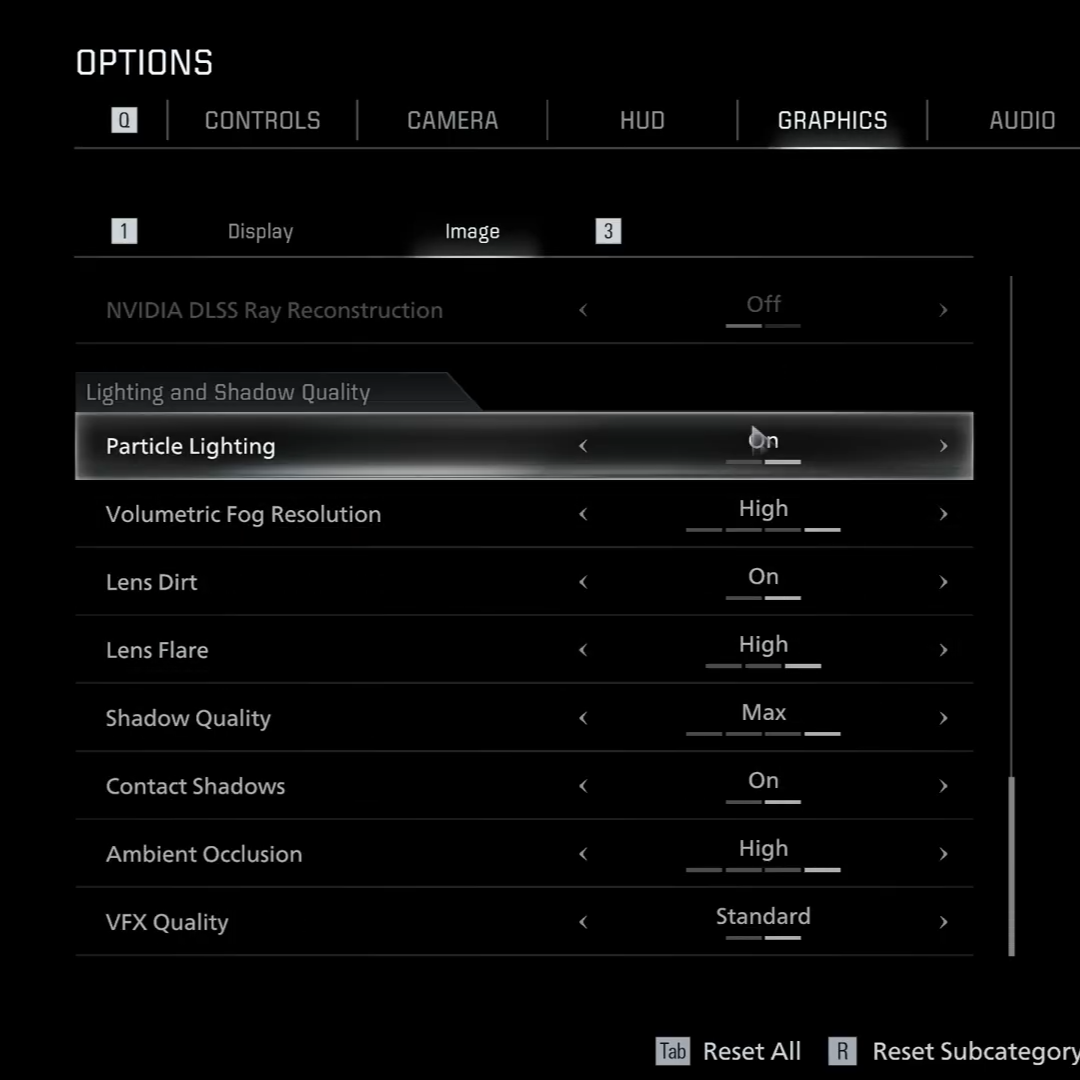
We also tested the NVIDIA GeForce RTX 3070 (8GB), RTX 5060 (8GB), and RTX 5060 Ti (16GB) side by side to see how each graphics card performs in the same conditions. Running them with identical settings allowed us to make a fair comparison and better understand the differences in their performance. The benchmark results shown below highlight how each GPU handled the workload, including key metrics such as average FPS and 1% lows. Along with these results, we also included the exact settings used during testing, so it is easier to see how each card performs and where their strengths or limitations appear.
RTX 3070 (8GB) |
RTX 5060 (8GB) |
RTX 5060 Ti (16GB) | |||
|---|---|---|---|---|---|
AVG FPS : 77
|
AVG FPS : 79 (+2.5%)
|
AVG FPS : 88 (+14.2%)
| |||
1% Low : 63
|
1% Low : 66
|
1% Low : 74
| |||
0.1% Low : 27
|
0.1% Low : 61
|
0.1% Low : 58
|
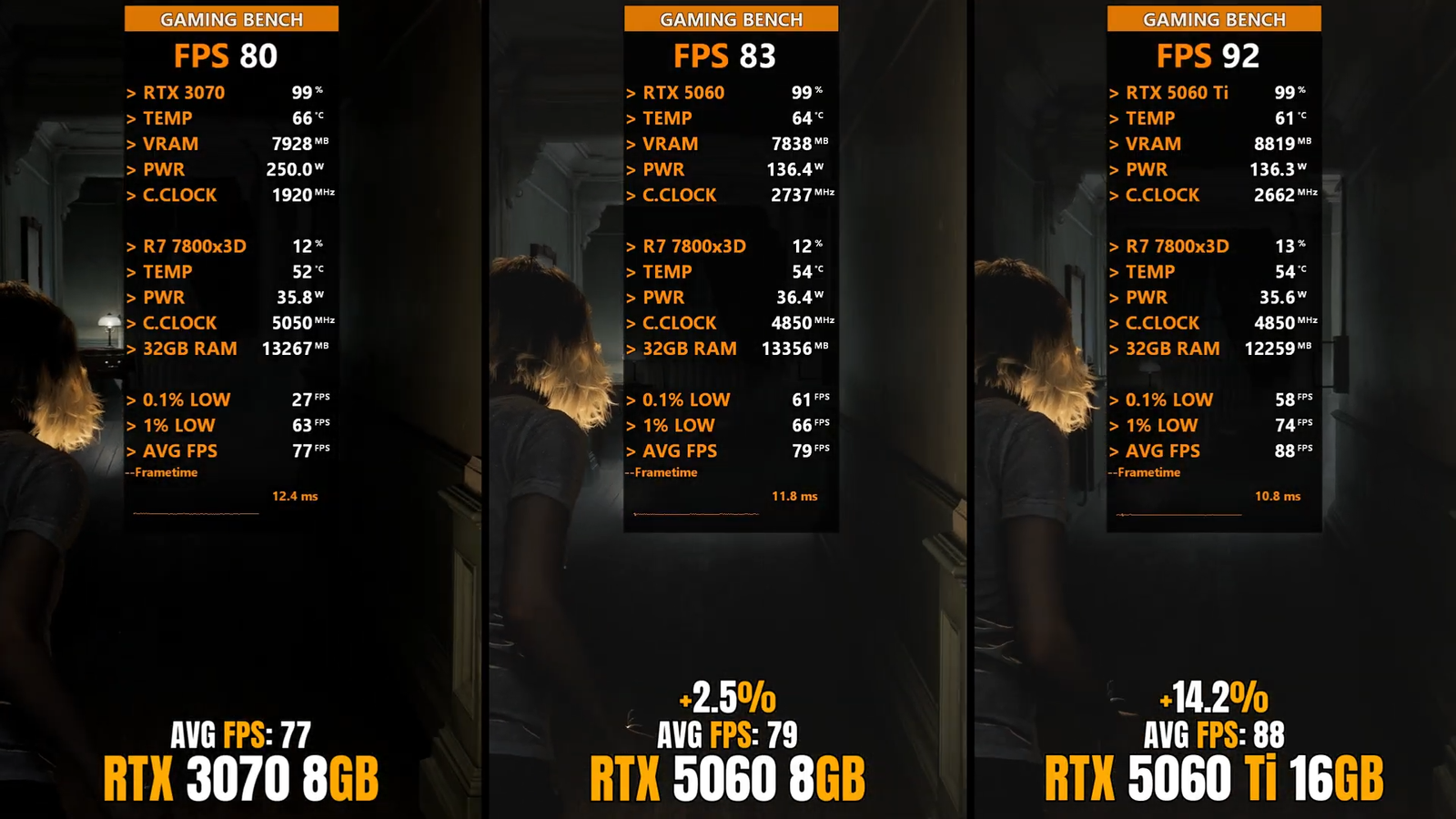
All three GPUs delivered strong performance, but notable differences emerged under testing. The RTX 3070 averaged 77 FPS, with 1 percent lows at 63 FPS and 0.1 percent lows at 27 FPS, reflecting occasional frame drops during more demanding scenes. The RTX 5060 outperformed the 3070 slightly, averaging 79 FPS, approximately 2.5 percent higher, with 1 percent lows at 66 FPS and 0.1 percent lows at 61 FPS, offering a smoother overall experience. The RTX 5060 Ti led the group, achieving an average of 88 FPS, roughly 14.2 percent higher than the RTX 3070, with 1 percent lows at 74 FPS and 0.1 percent lows at 58 FPS, demonstrating both higher peak performance and strong consistency even in intensive scenarios. These results highlight how incremental hardware improvements and additional VRAM can translate into measurable gains in frame rates and gameplay fluidity. Overall, the RTX 5060 Ti delivered the best performance, providing the highest frame rates and the smoothest gameplay among the three cards.
✦ Unexpected Results
During our testing, we noticed an interesting and somewhat unusual performance pattern in the game. The first round of tests was done without enabling Ray Tracing or Path Tracing. In this setup, the game generally ran better in indoor areas, while outdoor sections showed noticeably lower performance, which is fairly common since larger environments usually require more resources to render. However, things changed when Ray Tracing was set to High. Surprisingly, the game started performing worse in indoor areas compared to outdoor ones, which is unusual because interior environments are typically less demanding. When Path Tracing was enabled, the behavior shifted again, and outdoor areas once more became the most demanding parts of the game. This makes sense, since outdoor scenes usually involve more complex lighting, shadows, and larger environments that require more rendering power.
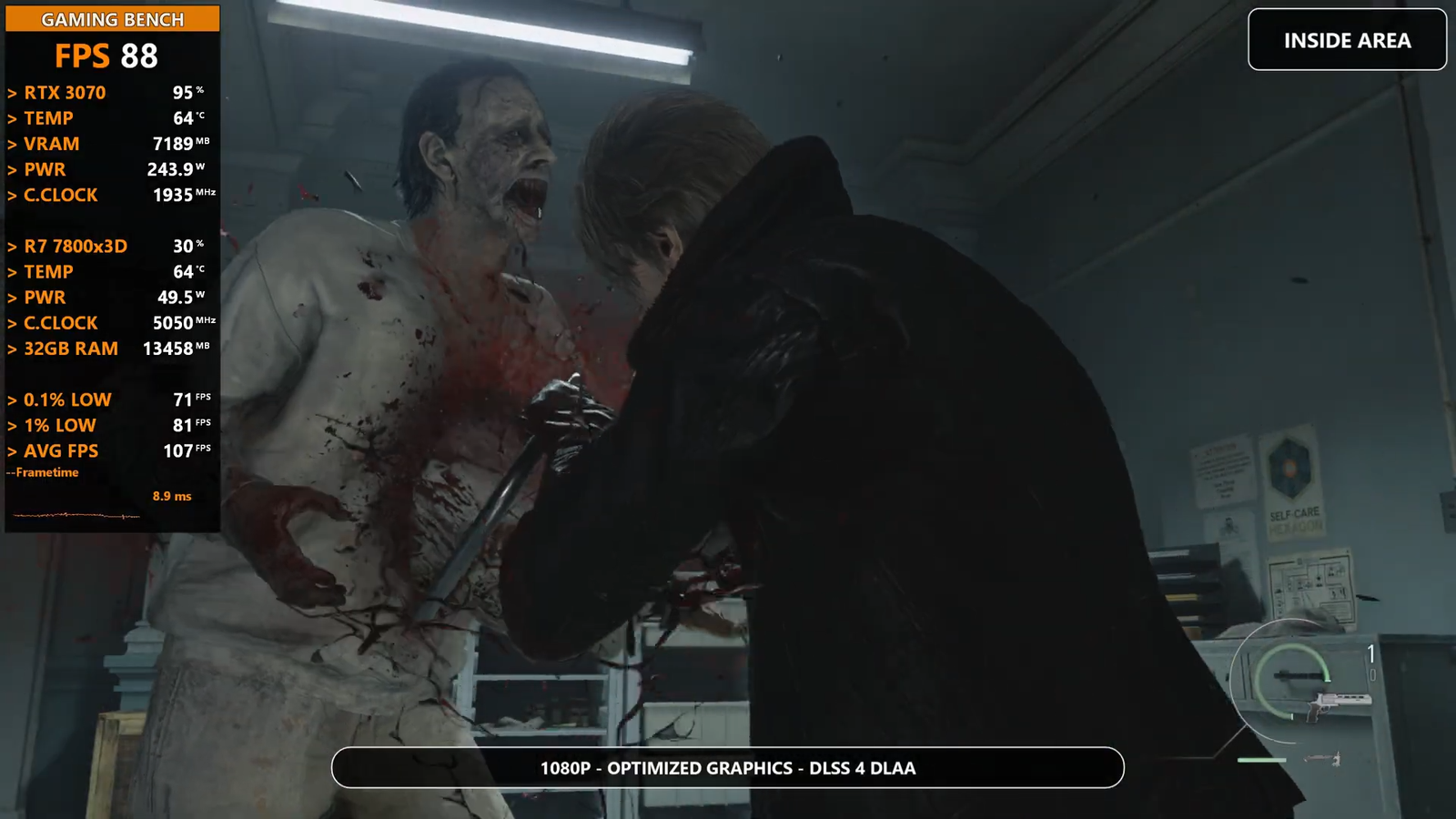
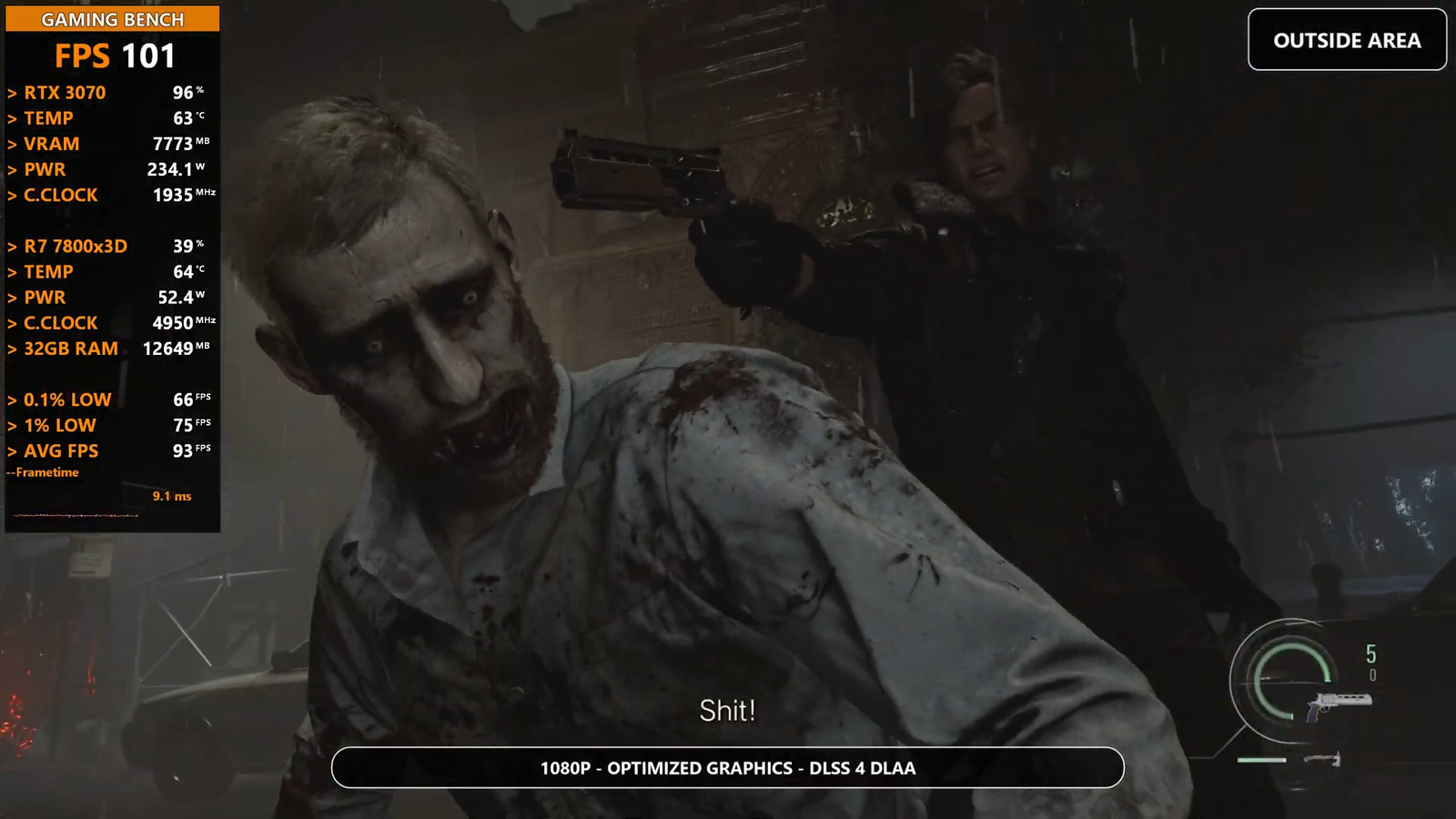
During our performance testing, we noticed an interesting and somewhat unusual pattern in how the game handled different environments. The first set of tests was done with both Ray Tracing and Path Tracing turned off so we could see the game’s normal performance. In this setup, the game generally ran smoother in indoor areas, while outdoor locations showed lower frame rates. This is quite common in many modern games because outdoor environments usually have larger spaces, longer view distances, and more objects on screen at the same time, which increases the amount of work the GPU has to do.
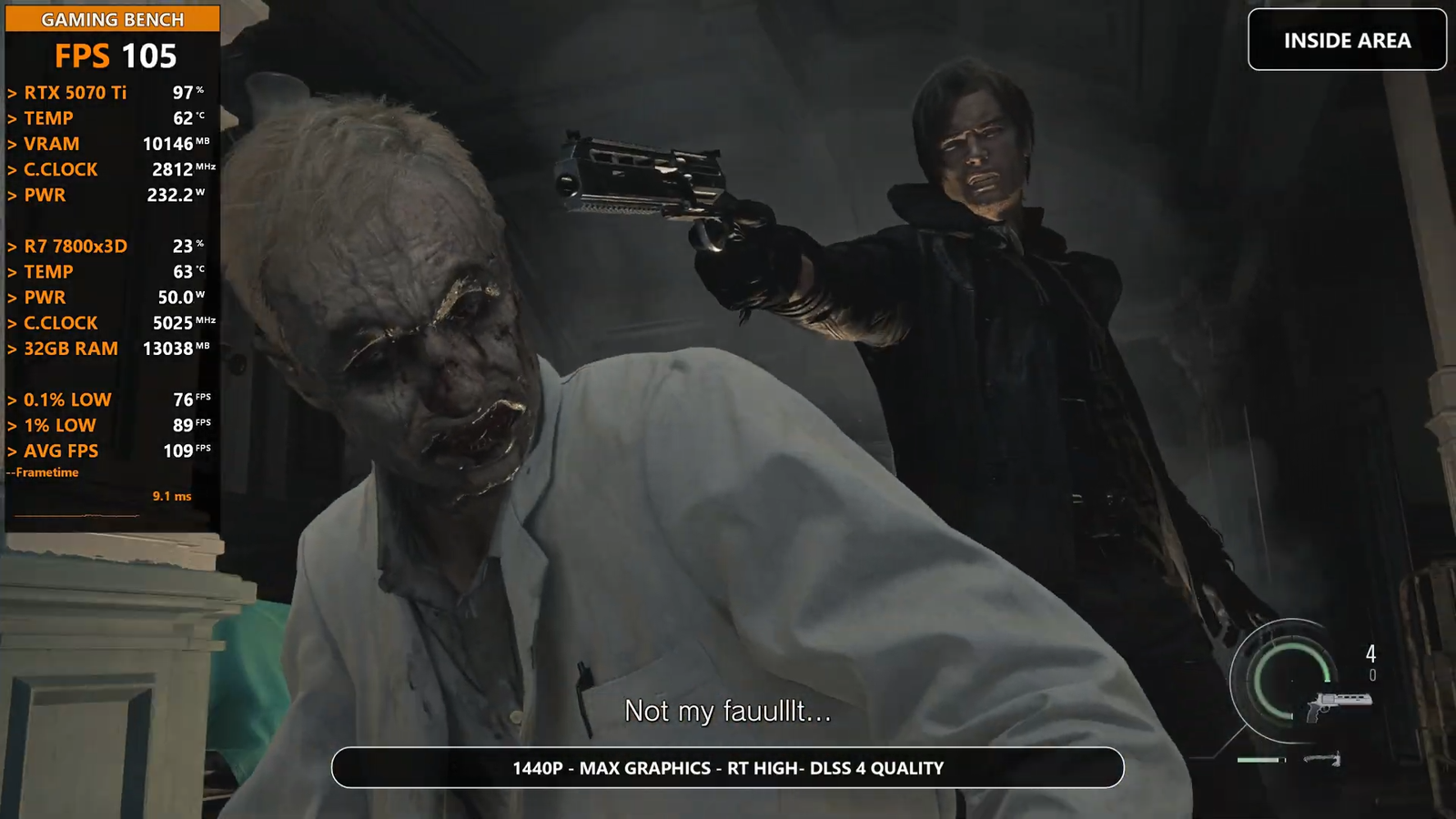
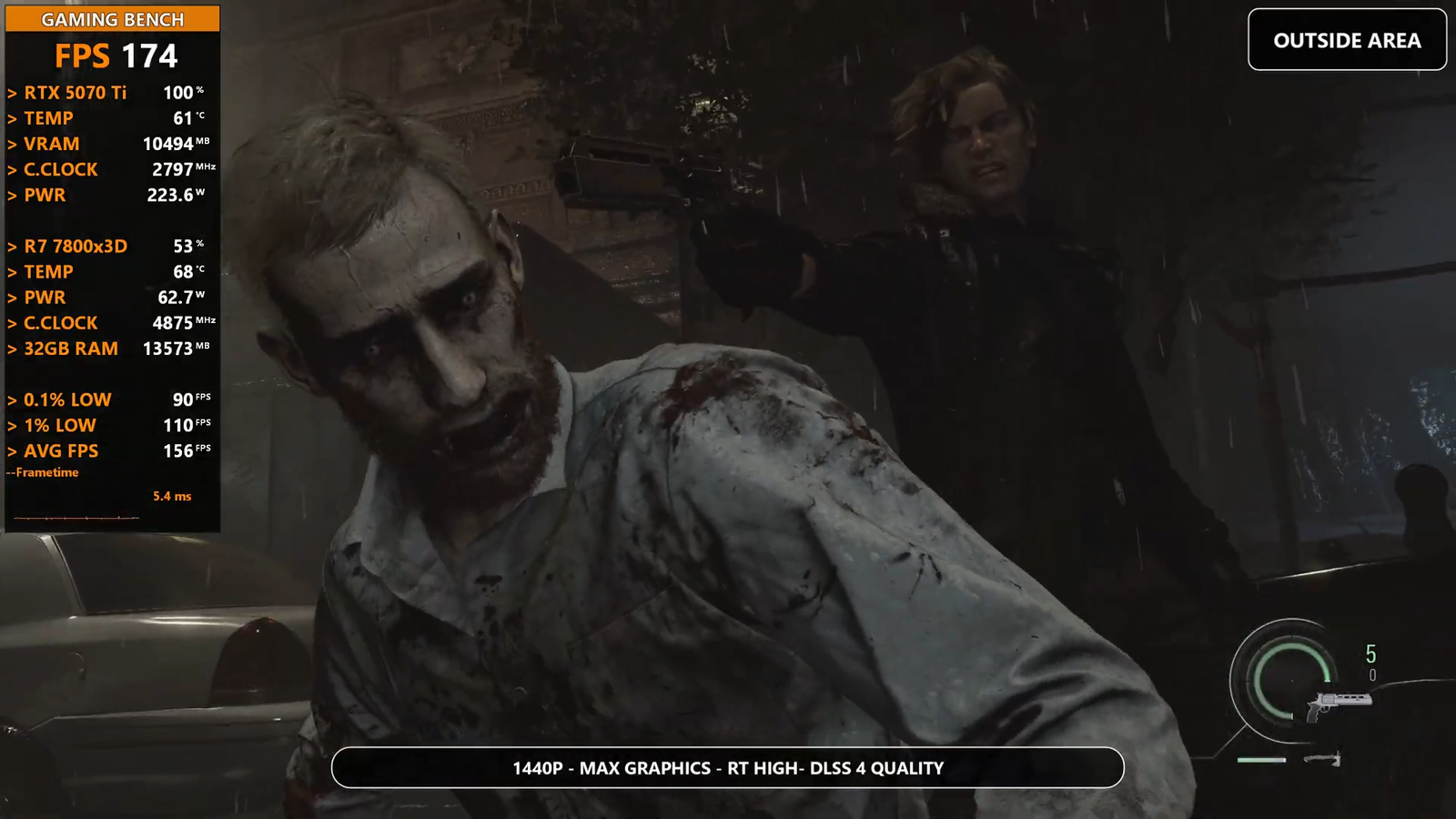
However, the behavior changed when Ray Tracing was set to High. With this setting enabled, the performance results became somewhat unexpected. Instead of outdoor areas being the most demanding, the game actually performed worse in indoor environments. This is unusual because indoor scenes are normally smaller and more contained, which typically makes them easier to render compared to wide open outdoor areas. The drop in performance indoors suggests that certain ray traced lighting effects, reflections, or shadows may be more heavily used in enclosed spaces.
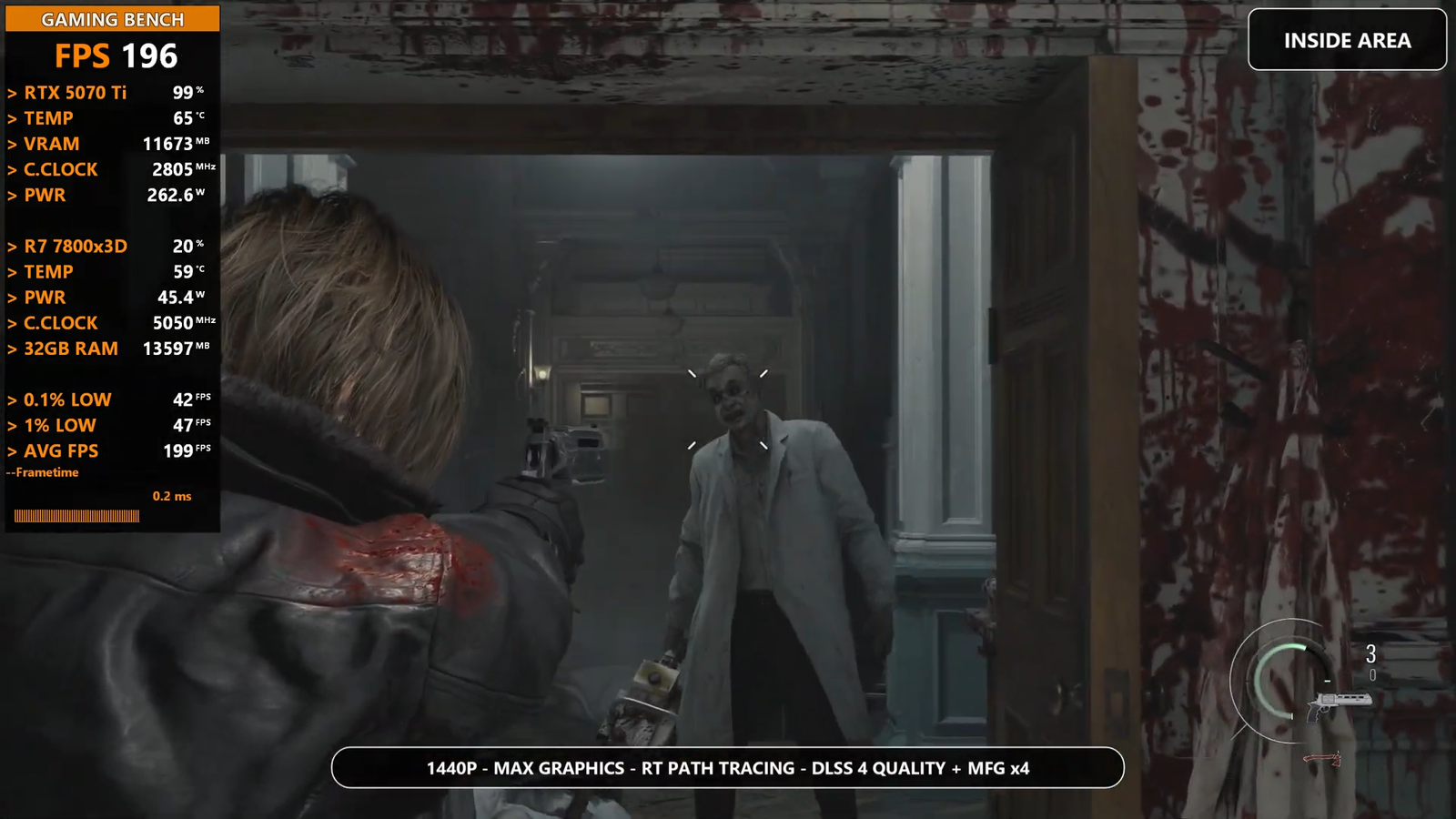
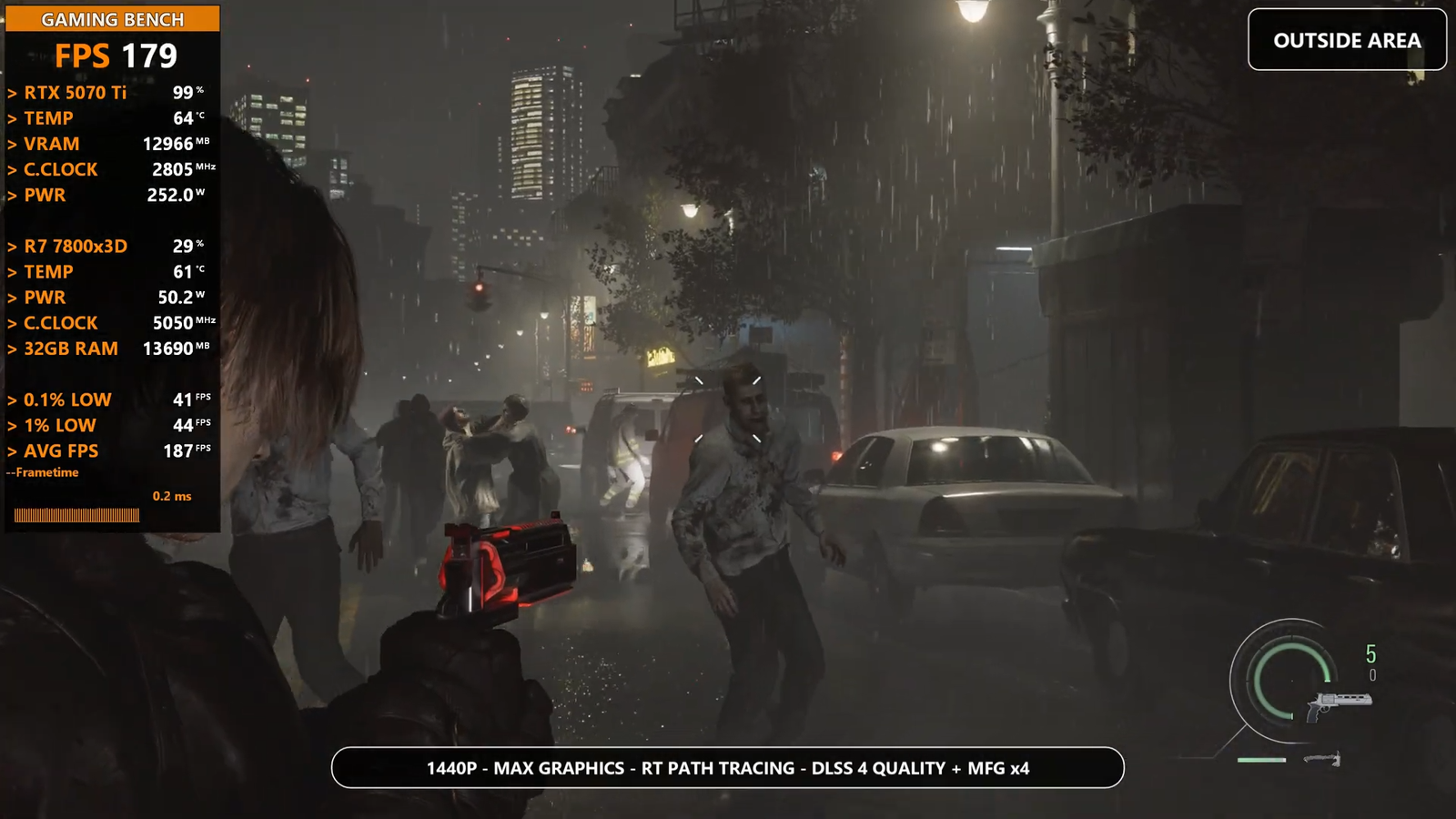
When Path Tracing was enabled, the performance pattern shifted once again. In this mode, outdoor areas returned to being the most demanding parts of the game. This result is much more in line with what we would normally expect. Path Tracing significantly increases the complexity of lighting calculations, and outdoor environments usually contain more dynamic lighting, detailed shadows, and larger scenes that need to be processed. As a result, the GPU workload becomes much heavier in these areas, leading to lower performance compared to indoor sections.
✦ Overview
Our testing of Resident Evil Requiem across several modern GPUs, including the NVIDIA GeForce RTX 3070, NVIDIA GeForce RTX 5060, NVIDIA GeForce RTX 5060 Ti, NVIDIA GeForce RTX 5070, NVIDIA GeForce RTX 5070 Ti, and the AMD Radeon RX 9060 XT, showed that the game runs smoothly on current generation hardware at both 1080p and 1440p with advanced features enabled. At 1440p, GPUs like the RTX 5070, RTX 5070 Ti, and RX 9060 XT delivered strong results with high frame rates when using technologies such as DLSS 4 and FSR 4 with frame generation. During testing we also noticed an unusual performance pattern, indoor areas ran better without ray tracing while outdoor areas were heavier, but enabling high ray tracing reversed this behavior, and with Path Tracing enabled outdoor areas again became the most demanding. A direct comparison between the RTX 3070, RTX 5060, and RTX 5060 Ti showed clear generational improvements, with the RTX 5060 Ti providing the highest performance and smoother gameplay in demanding scenes. Overall, the RX 9060 XT and RTX 5070 Ti stood out as the most balanced performers for high settings at 1440p.

Afaq is the author and driving force behind GAMING BENCH, a technology and gaming focused platform dedicated to delivering accurate, insightful, and up to date coverage of the gaming world. With a strong interest in PC hardware, gaming performance, and industry trends, Afaq focuses on creating clear, well researched content that helps readers understand the latest gaming news, benchmarks, and technology developments. Through GAMING BENCH, the goal is to provide reliable information, honest analysis, and practical insights for gamers, tech enthusiasts, and professionals who want to stay informed in a fast moving digital landscape.